PLAYWRIGHT → SLACKLess noise.
Less noise.
More signal.
Your tests have a story to tell. Deliver the results, failures, and context straight to the channel where your team works.
npm i -D playwright-slack-reportREADY WHEN YOU ARE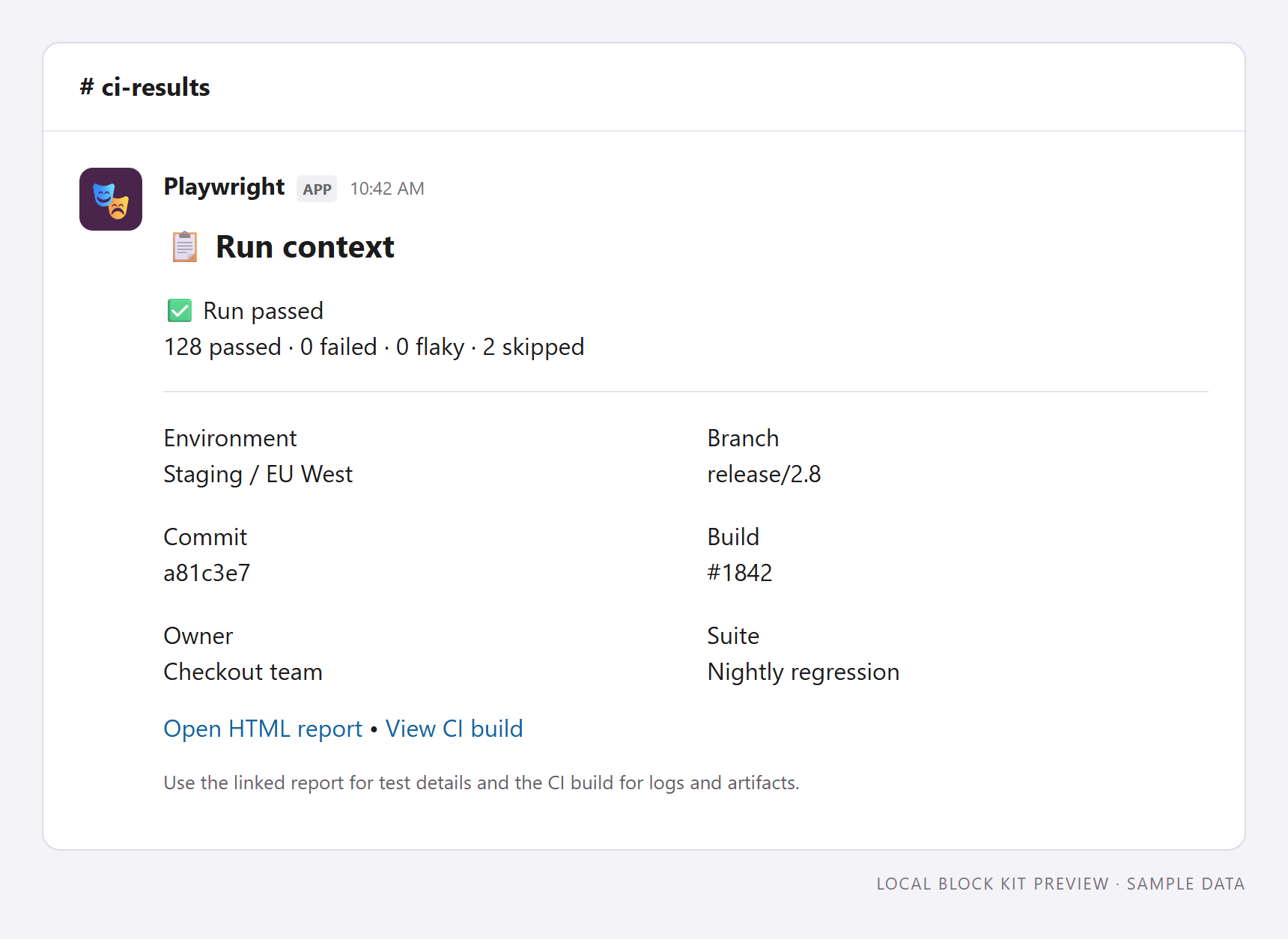
ONE RUN. THE WHOLE PICTURE.Webhooks + botsFailure threadsCustom layoutsShard-ready CLI
A CLEAR PATH TO YOUR FIRST REPORTSmall setup.
Small setup.
A better feedback loop.
Start with a summary. Build up to the reporting workflow your team needs.
01
Send your first report
Check prerequisites, install the reporter, and choose a webhook or bot for your workspace.
Start the setup guide 02Make the signal yours
Route failures, add build context, and shape messages with custom Slack blocks.
Configure the reporter 03Bring every shard together
Merge Playwright JSON reports and send one clear summary from your CI pipeline.
Use the CLIBuilt for Playwright. Delivered to Slack. Owned by you.
Explore the source ↗